POSTذكاء اصطناعيAI
Vibe coding: إيه هو وإمتى تعتمد عليهVibe coding: what it is and when to trust it
يعني إيه تبني برنامج بالكلام مع الذكاء الاصطناعي، وفين الطريقة دي بتنفع وفين بتوقعك.What it means to build software by talking to an AI, where it works and where it bites.
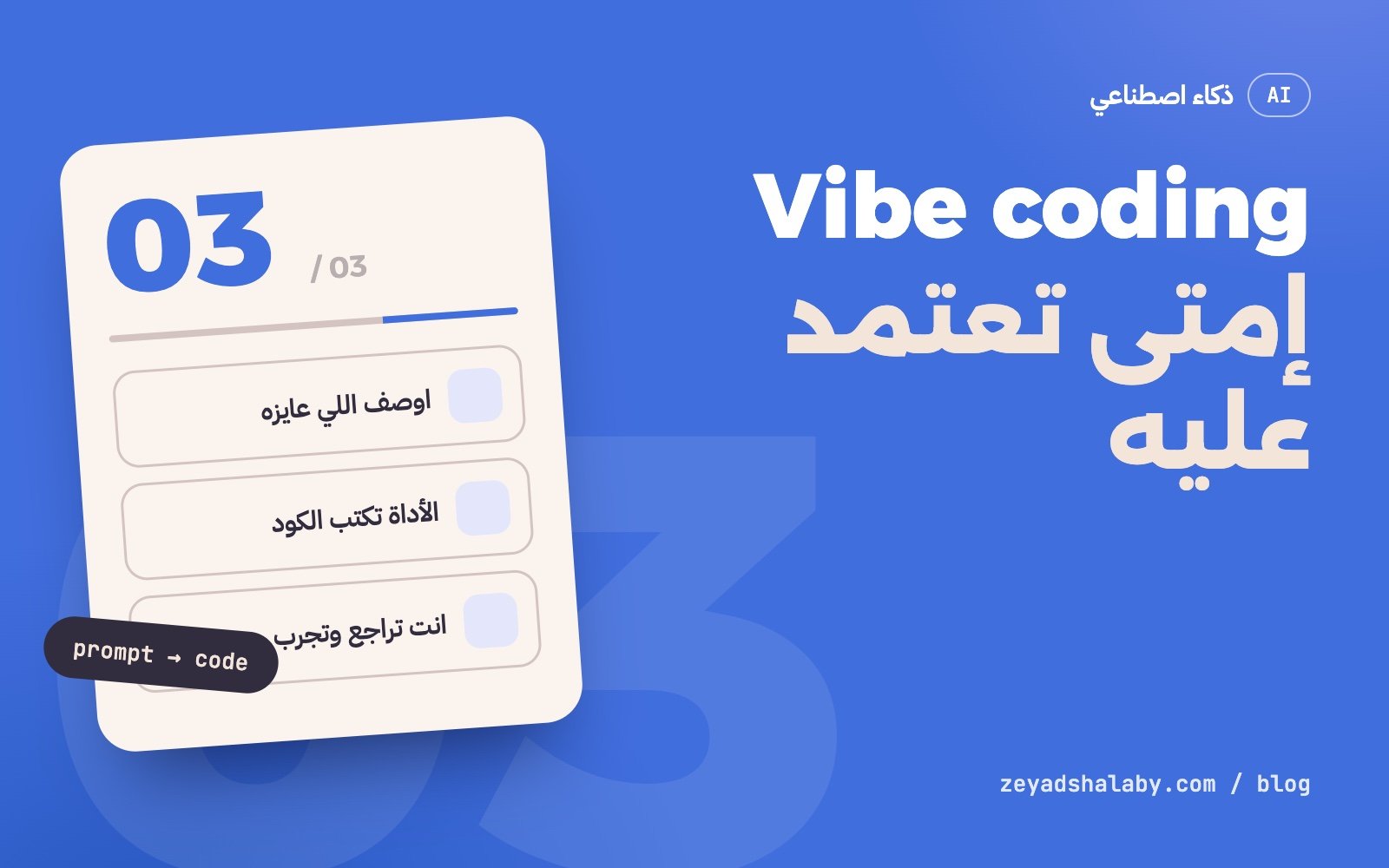
Vibe coding معناه إنك تبني برنامج بإنك توصف اللي عايزه بالكلام لأداة ذكاء اصطناعي، وهي تكتب الكود، وانت تحكم على النتيجة من اللي بتشوفه شغال قدامك مش من قراية الكود نفسه. الطريقة دي ممتازة للتجارب والنماذج السريعة، وخطر لو اتعاملت بيها مع منتج حقيقي فيه فلوس أو بيانات ناس.
الكلمة جت منين
اللي طلع المصطلح هو أندريه كارباثي، باحث الذكاء الاصطناعي المعروف، في فبراير 2025. وصف بيه طريقة شغل معينة: تسيب نفسك للأداة، تقبل اللي بتكتبه من غير ما تراجعه سطر سطر، ولو طلع خطأ تنسخه وتلزقه لها تاني وتستنى الحل.
من ساعتها الكلمة بقت تتقال على أي شغل برمجة بالذكاء الاصطناعي، وده مش دقيق. فيه فرق كبير بين حالتين:
- Vibe coding فعلا: مش بتقرا الكود، ومش فاهم هو بيعمل إيه. انت بتحكم بالنتيجة بس.
- برمجة بمساعدة الذكاء الاصطناعي: الأداة بتكتب، وانت بتراجع وفاهم كل تغيير ومسؤول عنه.
التانية دي شغل مبرمجين عادي بأداة أسرع. الأولى هي اللي محتاجة حذر.
إمتى بينفع
- نموذج أولي: عايز تشوف الفكرة شكلها إيه قبل ما تصرف عليها وقت.
- أداة شخصية: سكربت بيرتب ملفاتك، صفحة بتحسبلك حاجة، حاجة انت الوحيد اللي هيستخدمها.
- شغل هيترمي: عرض لعميل، تجربة لمكتبة جديدة، صفحة لحدث يوم واحد.
- التعلم: بتشوف حل شغال وبعدين تسأل الأداة ليه اتكتب كده.
القاسم المشترك: لو الكود طلع وحش، الخسارة صغيرة.
إمتى بيبقى خطر
أول ما البرنامج يلمس حاجة ليها تمن، القواعد بتتغير:
- تسجيل دخول وصلاحيات: الكود بيشتغل قدامك وانت مسجل، بس مين قال إن حد تاني مش هيوصل لبيانات غيره؟
- دفع وفلوس: غلطة واحدة في حساب أو في التحقق من الدفع معناها خسارة حقيقية.
- بيانات مستخدمين: مفاتيح API مكتوبة في الكود، قاعدة بيانات مفتوحة، مدخلات مش متراجعة.
- مشروع هيعيش: بعد شهرين هتحتاج تعدل، ومحدش فاهم الكود، لا انت ولا الأداة اللي نسيت السياق.
لو مش هتعرف تصلحه لما يقع، ما ترفعوش للناس.
إزاي تشتغل بيه صح
- اكتب المطلوب قبل ما تبدأ. فقرة قصيرة: البرنامج بيعمل إيه، مين بيستخدمه، وإيه اللي مش مطلوب. الأداة بتشتغل أحسن بكتير لما الهدف واضح.
- اشتغل خطوة خطوة. طلب صغير، تجربه، وبعدين اللي بعده. الطلب الكبير بيطلع كود كتير صعب تحكم عليه.
- استخدم Git من أول دقيقة. كل خطوة شغالة تتحفظ. لما الأداة تبوظ حاجة، ترجع بأمر واحد.
- اطلب اختبارات. خلي الأداة تكتب اختبار لكل جزء مهم وتشغله. ده اللي بيقولك إن التعديل الجديد ما كسرش القديم.
- اقرا الأجزاء الحساسة بنفسك. الدخول، الصلاحيات، الدفع، وأي حاجة بتكتب في قاعدة البيانات.
- المفاتيح السرية بره الكود. في ملف
.envمش مرفوع، ومش في الواجهة أبدا.
هل لازم أتعلم برمجة برضه
أيوه، بس اللي محتاج تتعلمه اتغير شوية. كتابة السطر نفسه بقت أرخص حاجة. اللي بقى غالي هو إنك تعرف تطلب إيه، وتعرف تحكم على اللي طلع، وتعرف تدور على الغلط لما حاجة تقع.
اللي فاهم الأساسيات بيطلع من نفس الأداة شغل أحسن بكتير من اللي مش فاهم، لأنه بيعرف يسأل السؤال الصح ويرفض الإجابة الغلط. لو لسه في الأول، شوف خريطة تعلم برمجة المواقع، ولو بتفكر في مستقبل المهنة اقرا هل الذكاء الاصطناعي هياخد شغل المبرمجين.
ولو عايز تستخدم الأدوات دي في شغلك اليومي مش بس في الكود، ده اللي بشرحه في كورس أتمتة شغلك بالذكاء الاصطناعي.
Vibe coding means building software by describing what you want to an AI tool, letting it write the code, and judging the result by what you see running rather than by reading the code. It is excellent for experiments and quick prototypes, and risky when you treat a real product with money or user data the same way.
Where the term came from
Andrej Karpathy, the well-known AI researcher, coined it in February 2025. He was describing a specific way of working: give in to the tool, accept what it writes without reviewing it line by line, and when an error shows up, paste it back and wait for the fix.
Since then the word has been used for any AI-assisted programming, which is not accurate. There is a big gap between two cases:
- Actual vibe coding: you do not read the code and do not know what it does. You judge by the outcome only.
- AI-assisted programming: the tool writes, you review, understand every change and own it.
The second is ordinary engineering with a faster tool. The first is the one that needs care.
When it works
- A prototype: you want to see the idea before spending real time on it.
- A personal tool: a script that sorts your files, a page that calculates something, anything only you will use.
- Throwaway work: a client demo, a trial of a new library, a page for a one-day event.
- Learning: you see a working solution, then ask the tool why it was written that way.
The common thread: if the code turns out bad, the loss is small.
When it becomes dangerous
As soon as the program touches something that has a cost, the rules change:
- Sign-in and permissions: it works for you while signed in, but who says another user cannot reach someone else’s data?
- Payments: one mistake in a calculation or in payment verification is a real loss.
- User data: API keys written into the code, an open database, unchecked input.
- A project that will live: in two months you will need a change, and nobody understands the code, neither you nor the tool that lost the context.
If you could not fix it when it breaks, do not ship it to people.
How to do it properly
- Write the brief first. A short paragraph: what the program does, who uses it, and what is out of scope. The tool works far better with a clear goal.
- Work in small steps. One small request, try it, then the next. A huge request produces a lot of code that is hard to judge.
- Use Git from minute one. Save every working step. When the tool breaks something, you go back with one command.
- Ask for tests. Have the tool write a test for each important part and run it. That is what tells you the new change did not break the old one.
- Read the sensitive parts yourself. Sign-in, permissions, payments, and anything that writes to the database.
- Keep secrets out of the code. In an uncommitted
.envfile, and never in the front end.
Do I still need to learn programming
Yes, but what you need to learn has shifted. Typing the line is now the cheapest part. What became valuable is knowing what to ask for, judging what came back, and finding the fault when something breaks.
Someone who understands the basics gets much better work out of the same tool, because they ask the right question and reject the wrong answer. If you are just starting, see the web development learning roadmap, and if you are thinking about the future of the job, read will AI take programmers’ jobs.
If you want to use these tools in your daily work and not only in code, that is what I cover in the AI automation course.
التعليقاتComments
اقرا كمانRead next
 ذكاء اصطناعيAI
5 دقايق قرايةmin read
Claude Code للمبتدئين: إزاي تشتغل بوكيل برمجة من غير ما تبوظ مشروعكClaude Code for beginners: working with a coding agent without wrecking your project
ذكاء اصطناعيAI
5 دقايق قرايةmin read
Claude Code للمبتدئين: إزاي تشتغل بوكيل برمجة من غير ما تبوظ مشروعكClaude Code for beginners: working with a coding agent without wrecking your project
 ذكاء اصطناعيAI
5 دقايق قرايةmin read
Prompt Injection: الثغرة اللي لازم تفهمها قبل ما تبني بالذكاء الاصطناعيPrompt injection: the flaw to understand before building with AI
ذكاء اصطناعيAI
5 دقايق قرايةmin read
Prompt Injection: الثغرة اللي لازم تفهمها قبل ما تبني بالذكاء الاصطناعيPrompt injection: the flaw to understand before building with AI
سيب تعليقLeave a comment